
E-Waste Recycling Begins in the Drawer of Dead Chargers
You know the drawer. It sits in the hallway or the kitchen, and it fills a little more every Christmas. An old phone. Last year’s tablet. A tangle of chargers that don’t match anything you own. A remote control with no TV left to point at.
That’s all the kit this job needs. You already have it. Add a bag and about twenty minutes.
The proper name for what’s in the drawer is e-waste. It sounds technical, but the job isn’t. You wipe the devices that hold your data. You sort everything else by where it goes. Then you drop it off.
Start with one rule. In Victoria, none of it goes in any bin. Not the general bin, and not an ordinary recycling bin either.
Most of the routes are free. This post walks you through the wipe, the sort and the drop-off, in that order. It’s written for Victorian households. If you live in another state, the steps still help, but check your own council’s page before you load the car.
What counts as e-waste in Victoria
EPA Victoria defines e-waste in the Environment Protection Regulations 2021. In plain terms, it’s waste from things that run on an electric current or an electromagnetic field. That’s a wider net than most people expect.
The EPA’s own examples include:
- batteries, including rechargeable ones
- kitchen appliances
- mobile phones
- solar panels
- televisions
That’s a sample, not a full list. Products with only a small electrical part count too. A toy that lights up or plays a tune is e-waste. MobileMuster puts it simply: the Victorian ban covers any item with a plug, battery or cord that has reached the end of its life. So does every cable in the drawer.
Now the bins. EPA Victoria says you should not put any e-waste in your household bin. That includes recycling bins that aren’t marked for e-waste. Landfills in Victoria can’t receive it, which is why it has to be dropped off instead. Dumping it is illegal as well, so a bag in the car boot beats a bag left by the roadside.
The rule has been in place for a while. MobileMuster’s notice of 25 June 2019 describes e-waste being banned from Victorian landfill from 1 July 2019. If your drawer has been filling since then, you’re not late. You’re just ready to clear it.
One more detail. Lithium-ion batteries can cause fires if they’re thrown out the wrong way, according to EPA Victoria. That’s one more reason the loose batteries in the drawer shouldn’t go near a bin.
Wipe it before it leaves the house
Phones, tablets and computers hold a lot about you. Messages, photos, logins and saved details. They need wiping before they go anywhere. The Australian Cyber Security Centre, which is part of the Australian Signals Directorate, sets out six steps for this. Do them in order.
- Back up what you want to keep. Copy your photos, contacts and documents somewhere safe first.
- Move your authenticator apps. If the old device holds the app that gives you login codes, set it up on the new device before you wipe anything.
- Remove the old device from your trusted-device lists. Sign in to your accounts, find the list of devices and take the old one off.
- Take out the SIM card, any memory cards and any USB sticks. Check every slot.
- Factory reset and erase. Use the reset option in the device’s settings and choose the one that erases everything.
- Peel off any labels or markings with your name on them.
Take your time with step 1. Once a device is wiped, anything you hadn’t copied is gone. Have the charger and your account passwords to hand before you start.
That’s the whole routine. Do it one device at a time and tick each one off. If you’ve got more than one device, wipe them all before you sort anything else. Then nothing leaves the house half done.
The ACSC is open about the limits. It says that even when you follow the right steps, there can be errors, and some of your information may not be securely erased. A reset is a very good start. It isn’t a guarantee.
So for anything sensitive, use a data destruction service or talk to an IT professional. The same goes for a device that won’t switch on, because a dead phone can’t run a reset. Some people say a factory reset is plenty. Others say the drive should come out. The ACSC’s advice is to do the six steps, and to bring in a professional when the data matters or the device won’t turn on.
Sort the drawer by where each thing goes
Now the easy part. Tip the drawer onto the bench or the laundry floor. Make three groups and one small pile. The groups are TVs and computers, phones, and everything else with a plug. The pile is loose batteries. Each one has its own free route, and the table shows where each goes.
Where common household e-waste goes in Victoria, drawn from DCCEEW, MobileMuster and EPA Victoria pages
| Item | Free route | Note | Source |
|---|---|---|---|
| Items such as a television, computer, laptop, monitor, printer, keyboard or mouse | NTCRS collection point (council, retailer or scheme-run) | Free for households and small businesses; outside the scheme a fee may apply | DCCEEW NTCRS page, updated 29 Aug 2025; items from the scheme’s Rules 2021, Schedule 1 |
| Mobile phone and its chargers and accessories | MobileMuster drop-off point, or free satchel or mailing label | Wipe first | MobileMuster, 25 Jun 2019 |
| Small appliances, toys with electrical parts, cables and anything else with a plug or cord | Council transfer station or e-waste drop-off | Check the council page for what it takes and any charge | EPA Victoria, updated 9 May 2025 |
| Loose household batteries | Battery collection point | Never the household bin; lithium-ion batteries can cause fires | EPA Victoria, updated 9 May 2025 |
The table shows common items. It isn’t a full list of what each route takes, so check the scheme or council page for anything unusual.
TVs and computers. These go through the National Television and Computer Recycling Scheme, known as the NTCRS. Collection is free for households and small businesses. The collection points are run by councils, retailers or the scheme itself. Some are permanent and some are temporary. Look up the nearest one before you go.
Phones. A phone and its chargers and accessories go to a MobileMuster drop-off point. MobileMuster lists drop-off points at councils and phone retailers. Can’t get to one? You can ask for a free satchel or a free mailing label and send the phone in by post. Wipe it first.
Everything else with a plug. Small appliances, toys with electrical parts, cables and anything else with a plug or a cord go to your council’s transfer station or e-waste drop-off. Check the council’s page before you load the car. What each site takes varies, and some charge for bigger items. Councils in other states have their own rules, so check yours if you live outside Victoria.
Loose batteries. They go to a battery collection point, not the bin. EPA Victoria lists batteries as e-waste, rechargeable ones included.
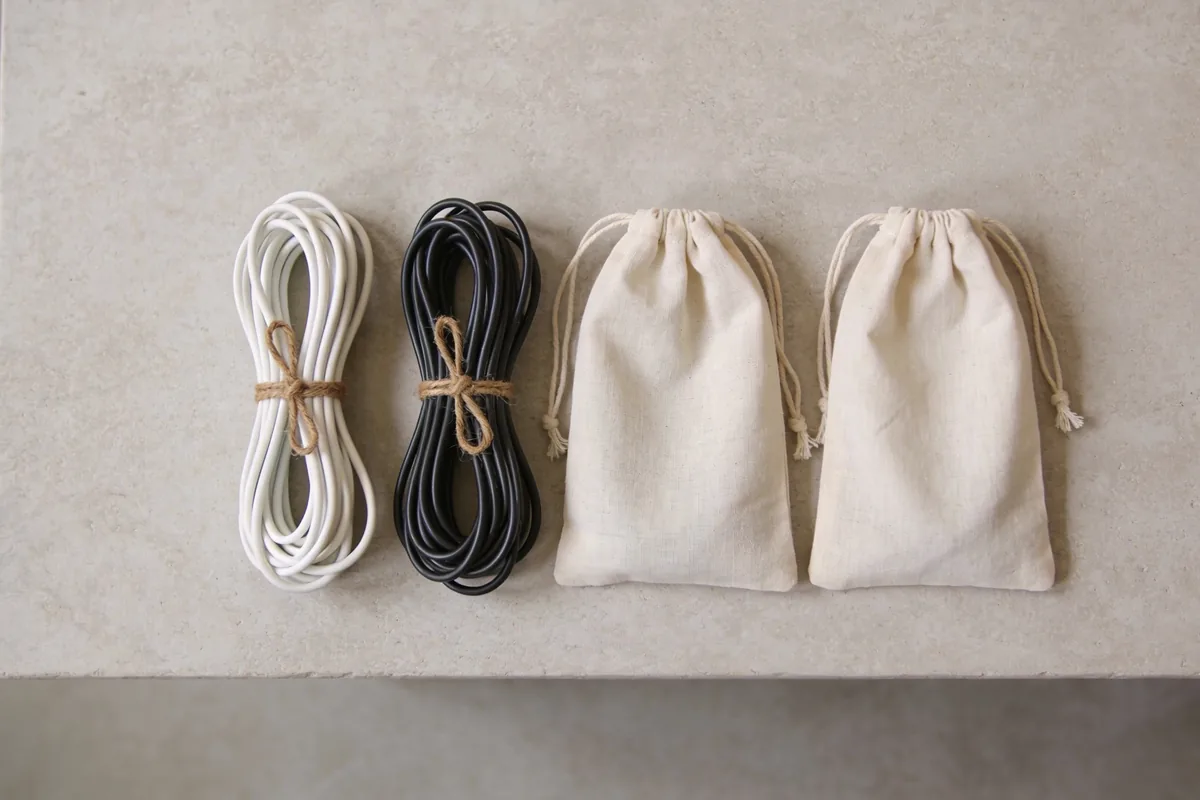
A few habits make the trip easier. Coil each cable and tie it off. Bag the chargers together, so they don’t spread through the boot. Write the destination on each bag with a marker. Then the trip is just following the bags.
Not sure which group a thing belongs to? Ask what it does. If it’s a screen or a keyboard, it’s a computer item. If it’s a phone, it’s a phone. If it plugs into a wall and does neither, it goes with the council pile. And if it has a plug, a battery or a cord, treat it as e-waste, then ask your council.
Do one group at a time. Finish the TV and computer bag, then the phone bag. A half-sorted bench is easy to leave for another year.
Free drop-off or a paid pick-up
Then there’s the cost question: do you have to pay?
For a drawer of small items, no. The Department of Climate Change, Energy, the Environment and Water, or DCCEEW, says households and small businesses have access to free NTCRS e-waste collection services. It also says that e-waste disposal outside of NTCRS services may incur a fee. So the cost depends on the route you pick, not on how much is in the drawer. Phones have their own route through MobileMuster, with a free satchel or mailing label if you can’t get to a drop-off point.
Paid collectors exist too. They suit bulky loads, like a pile of old appliances from a garage clear-out, and households that would rather not drive. If that’s you, rubbish removal businesses are one place to look for a quote. Those services aren’t free, so ask for the price before you book. Ask what the price includes, too: the pick-up, the lifting and the disposal.
For a handful of cables, a phone and a remote, a pick-up isn’t needed. A bag in the boot and a short trip or two covers it. Paying is a choice. It isn’t a requirement.
When the old phone still works
Not everything in the drawer is finished. If the phone still works, someone may want it. A family member. A friend. A community group that gives phones to people who need one.
Wipe it first, using the same six steps. Check the settings once more before you hand it over. Look for your accounts and the lock screen. If anything of yours is still there, run the reset again. The back-up and the logins matter just as much when a phone goes to a friend as when it goes to a drop-off point.
If it’s cracked, dead or too old to be useful, recycle it. That’s the right home for it. A phone that won’t turn on can’t be reset, so the advice about a data destruction service or an IT professional applies here too.
Before the Drawer Fills Up Again
The whole job fits on one list. Put it on the fridge or save it in your phone.
- Back up and wipe each phone, tablet and computer.
- Pull the SIM card and any memory cards.
- Bag the chargers and cables together.
- Take TVs and computers to a scheme collection point.
- Take phones to a phone drop-off point.
- Take everything else to the council site, after checking its page.
Do the first two lines tonight. The sorting can wait for the weekend.
Keep one bag in the laundry for next time.
Sources: EPA Victoria, Electronic waste, updated 9 May 2025 (https://www.epa.vic.gov.au/electronic-waste); Department of Climate Change, Energy, the Environment and Water, National Television and Computer Recycling Scheme roles and responsibilities, updated 29 August 2025 (https://www.dcceew.gov.au/environment/protection/waste/product-stewardship/products-schemes/television-computer-recycling-scheme); Recycling and Waste Reduction (Product Stewardship, Televisions and Computers) Rules 2021, Schedule 1, compilation of 15 September 2022 (https://www.legislation.gov.au/F2021L00624/2022-09-15/text); MobileMuster, Victorian e-waste ban, 25 June 2019 (https://www.mobilemuster.com.au/victorian-e-waste-ban/); Australian Signals Directorate’s Australian Cyber Security Centre, How to dispose of your device securely (https://www.cyber.gov.au/protect-yourself/securing-your-devices/how-secure-your-device/how-dispose-your-device-securely)